That Courier Tracking Link Could Be Fake: 7 Checks Before You Tap
A message says your parcel is stuck. The address is incomplete. Customs needs a small fee. Delivery will fail unless you update details now. It feels believable because almost everyone is waiting for something: a phone case, medicine, a gift, a document, or a package from family abroad.
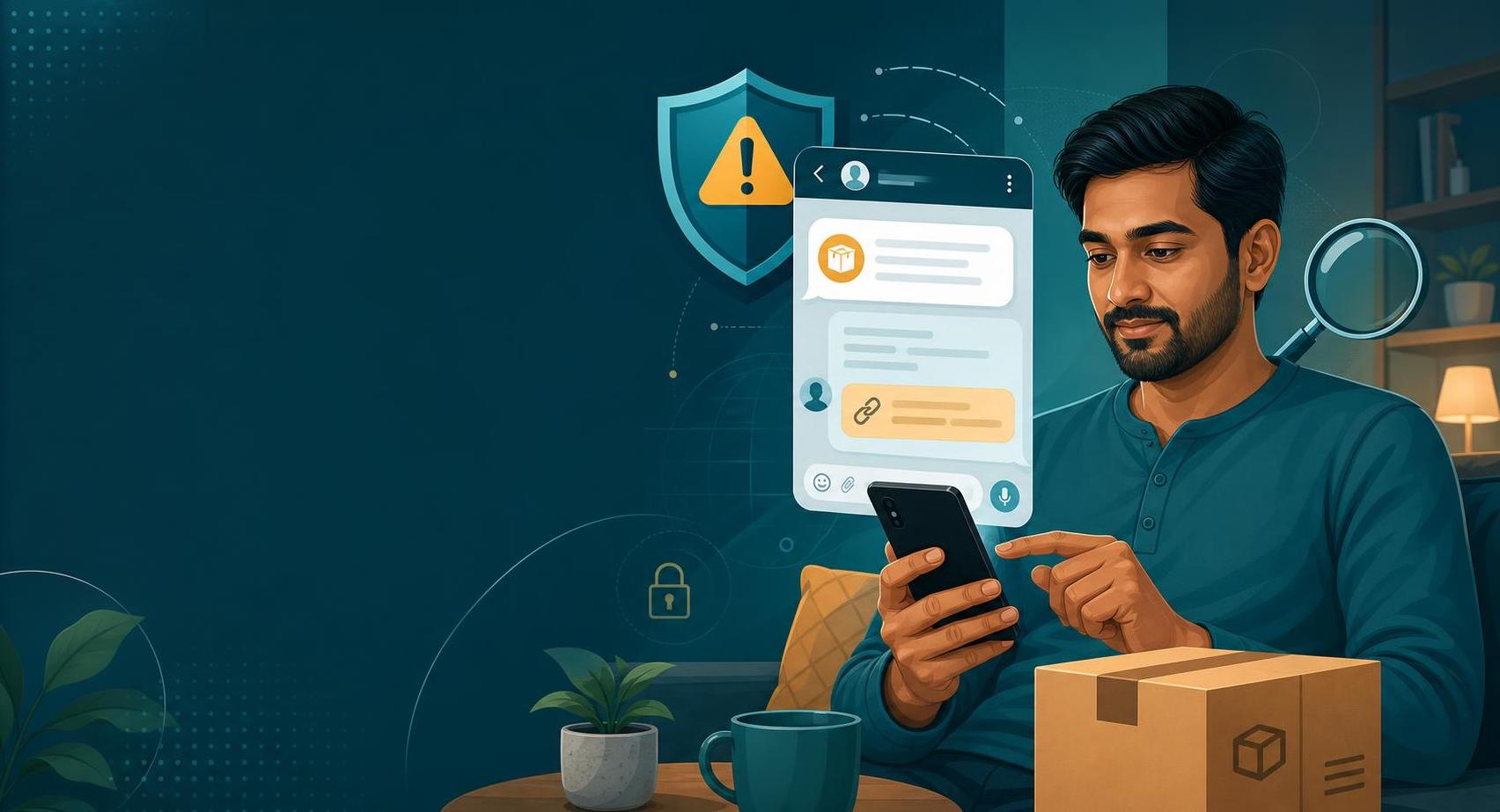
Courier scams work because delivery messages already train us to act fast. We expect tracking links, OTPs, missed-call alerts, address forms, cash-on-delivery updates, and payment requests. Scammers copy that rhythm and send a link through SMS, WhatsApp, Telegram, email, or a fake customer support chat.
In India and across the diaspora, the hook often sounds practical: pay ₹5 to reschedule, verify your PIN code, clear a customs hold, update your KYC for delivery, confirm a warehouse charge, or download an app to contact the delivery agent. The amount may be tiny, but the real target is your card, UPI PIN, OTP, password, or phone access.
The rule that blocks most courier-link scams: Do not open delivery links from unexpected messages. Open the shopping app, courier website, or official order page yourself and check the tracking status there.
1. The link does not match the courier or store
A fake tracking link may use a courier name inside a long domain, a shortened URL, a misspelled brand, or a random site ending that looks official at a glance. Do not judge by the logo on the page. Check the actual domain in the address bar. If you ordered from a marketplace, open that marketplace app directly and use its tracking page instead of the message link.
2. It asks for a tiny payment to unlock delivery
Small amounts make people careless. A ₹2, ₹5, or ₹10 rescheduling fee can lead to a fake payment page that captures card details, banking passwords, or UPI credentials. Real couriers may collect COD charges, duties, or service fees in some cases, but the payment route should be visible inside the official order or courier system. Do not enter card or UPI details because a message says the package will be returned today.
3. The message creates a deadline
Scammers use deadlines because people do not want a gift, passport, phone, or medicine returned to sender. Watch for phrases like final attempt, warehouse penalty, customs deadline, account blocked, or address invalid. A real delivery problem can usually be checked through the original seller, courier app, or official tracking number. A scammer needs you to act before you verify.
4. The tracking number is missing or too generic
Many fake messages say "your parcel" without naming the seller, courier, tracking ID, or last four digits of a real order. Some include a fake tracking number that does not work on the official courier site. Search for the tracking number only on the courier's official site or inside the app where you ordered. Do not paste personal details into a site just to see whether the parcel exists.
5. It asks for an OTP, PIN, or remote-access app
A delivery agent may ask for a delivery OTP at your door after handing over a parcel. That is different from a stranger asking for a banking OTP, UPI PIN, card PIN, password, or screen-sharing access over chat. A courier does not need AnyDesk, screen share, APK installs, or SMS forwarding to fix an address. End the conversation if the message moves from tracking to device access.
6. The page asks for too much identity information
Address correction should not require Aadhaar, PAN, passport scans, full card details, banking login, email password, or a selfie unless you are dealing with a verified customs or regulated process through an official channel. Scammers use fake forms to collect identity data for later fraud. If a courier page asks for more than delivery information, close it and contact the seller or courier directly.
7. The proof is only a screenshot
Fake missed-delivery slips, warehouse notices, customs letters, payment receipts, and chat screenshots can look polished. Screenshots are easy to edit and hard to verify. If someone forwards you a delivery notice for a family member, ask for the original order source and tracking number. Do not pay from a screenshot alone, even when it appears to include your name or address.
What to do if you tapped or paid
If you entered payment details, call your bank or card provider immediately and report possible fraud. If you shared a UPI PIN or OTP, treat it as urgent. If you installed an app, remove it and change important passwords from a clean device. In India, report online financial fraud through 1930 and cybercrime.gov.in as soon as possible. Keep the message, link, phone number, screenshots, payment reference, and app name as evidence.
The family rule for delivery messages
Make one rule for the family group: no one pays a courier fee or updates delivery details from a message link. The person who ordered opens the official shopping app or courier site and checks there. For parents and grandparents, this rule is simple enough to remember and strong enough to stop most parcel traps.
How FakeOut helps
Courier scams often arrive as images: fake delivery slips, edited payment pages, copied logos, and doctored chat screenshots. FakeOut helps you check whether an image or screenshot may have been manipulated before you trust it, forward it, or send money based on it.