That Payment Link on WhatsApp Could Be Fake: 7 Checks Before You Tap
A message says your courier is stuck. Your electricity refund is ready. Your bank KYC will expire tonight. There is a link, a small fee, and a deadline. You tap because it looks routine. That one tap can take you to a fake payment page built to steal your card details, UPI PIN, OTP, or account access.
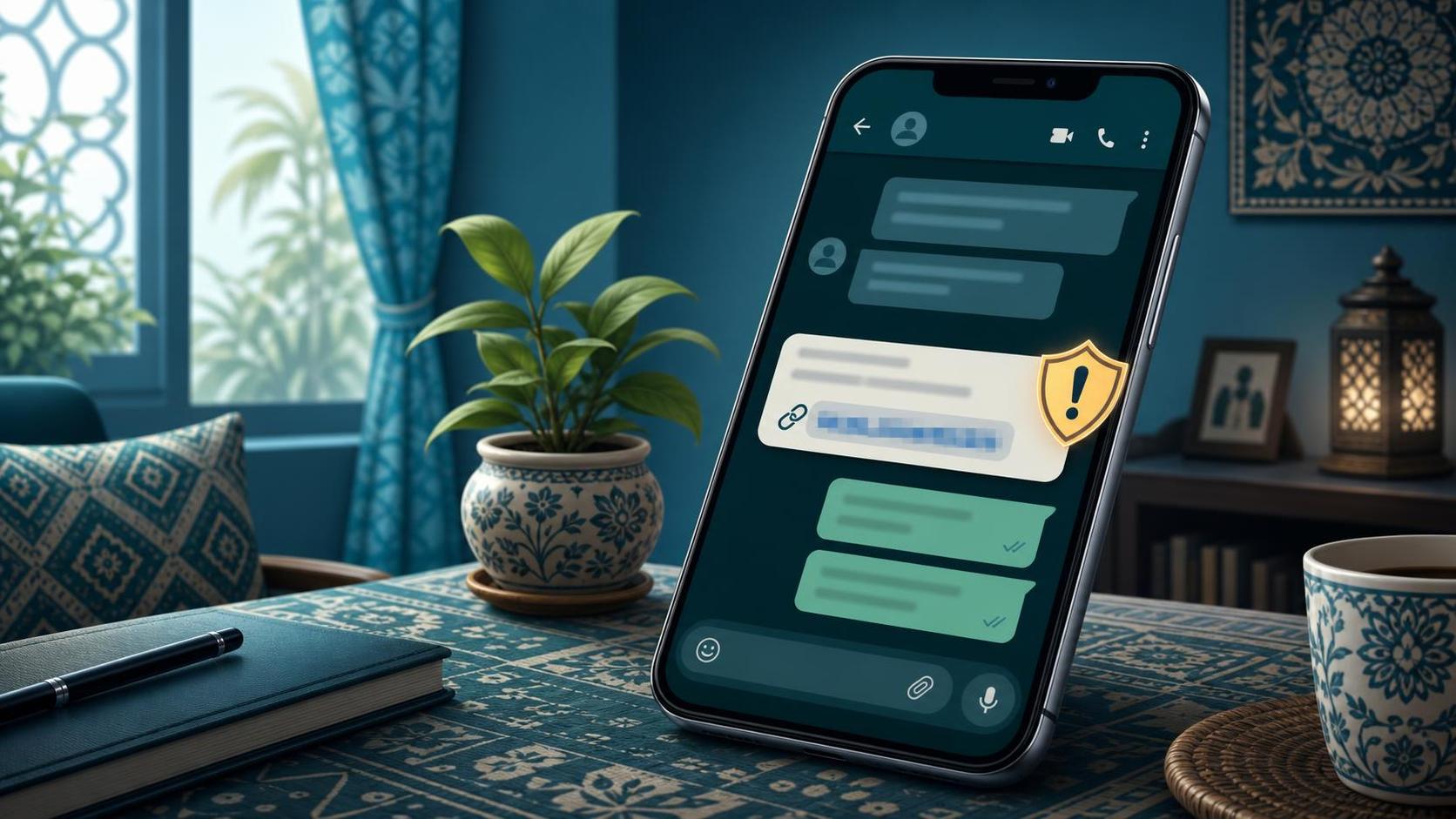
Payment-link scams are everywhere because they fit normal life. Indians now pay delivery fees, school charges, subscriptions, challans, and utility bills from a phone. A link in WhatsApp or SMS does not feel strange anymore. Scammers copy that habit. They send a believable message, borrow the name of a bank or delivery company, and push you toward a page that looks official enough for a rushed person.
These scams are especially hard on families. Parents ask children whether a bank message is real. Small shop owners get fake supplier links. Students receive fake hostel, exam, or courier messages. NRIs and diaspora families see payment requests from relatives in India and do not know which local links are normal. The fix is not to fear every link. The fix is to slow down and check the right things before you tap.
The rule that blocks most payment-link scams: Do not pay from a link sent in a message unless you opened the service yourself from the official app or website and confirmed the same charge there.
1. The message creates a tiny emergency
Most fake payment links do not ask for lakhs at first. They ask for Rs 2, Rs 10, or Rs 49 to release a parcel, avoid disconnection, update KYC, unlock a refund, or verify an account. The small amount lowers your guard. The real target is often your OTP, card number, UPI PIN, or a remote-access app installed after the payment page opens. If the message says you must act in the next few minutes, treat the urgency itself as a warning sign.
2. The link does not match the real domain
Scammers use domains that look close enough on a phone screen: extra words, missing letters, hyphens, or strange endings. A fake courier page may use a name like delivery-help-in.com instead of the company's real website. A bank page may hide behind a shortened link. Press and hold the link to preview it before opening. If the domain is shortened, misspelled, or unrelated to the company, do not tap it. Search for the company yourself and open the official site or app directly.
3. It asks for an OTP after a tiny payment
A fake page may ask you to enter card details or UPI information for a small charge. Then it asks for an OTP. That OTP may not be for Rs 10. It could authorize a larger transaction, add a beneficiary, reset a password, or approve a login. Always read the full OTP message from your bank. It usually tells you the amount, merchant, or action being approved. If the message does not match what you are trying to do, stop immediately.
4. The sender moved you away from the official app
A courier company, bank, wallet, airline, or utility service may send notifications. But important payments and account actions should also appear inside the official app or website. If a message asks you to leave the app and pay through a separate link, that is risky. Open the app yourself. Check the order, bill, or account status there. If the app shows no pending payment, the message is almost certainly fake.
5. The page asks for more than payment
A genuine payment page needs payment details and confirmation. It should not ask for your ATM PIN, net banking password, full card PIN, Aadhaar OTP, screen-sharing permission, or an app download. It should not ask you to disable Play Protect or install an APK. The moment a payment page asks for device access or private credentials, close it. No courier fee, refund, or bill update needs that level of access.
6. The language feels copied, but personal enough
Modern scam messages can include your name, city, package number, or bank name. That does not prove they are real. Your phone number may have leaked from a shopping site, job portal, property listing, or old data breach. Look for odd phrasing, mixed languages, generic greetings, fake ticket numbers, and threats that sound official but do not name the exact service you use. Personal detail is no longer proof of trust.
7. Someone asks you to forward the payment proof
After you pay, the scammer may ask for a screenshot, transaction ID, or OTP "for confirmation." A screenshot can reveal your UPI ID, bank name, phone number, balance hints, or transaction reference. An OTP should never be shared at all. If the other person needs proof, send only what the official app safely shares, and hide personal details. For strangers, do not send payment screenshots unless there is a clear business reason.
What to do if you already tapped
If you entered card, UPI, or banking details on a suspicious page, act fast. Call your bank's fraud helpline and block the card or account access involved. Change the password from a clean device. Remove any app the page made you install. If money left your account, report it through the national cybercrime helpline at 1930 and file a complaint at cybercrime.gov.in with screenshots of the message, link, payment page, and transaction.
The family rule for payment links
Make one rule for your family group: nobody pays from a link that arrived in WhatsApp, Telegram, or SMS without checking the official app first. If a parent is unsure, they can forward the message to a trusted family member and wait. Scammers rely on isolation and speed. A simple pause in the family group breaks both.
How FakeOut helps
Many payment-link scams arrive as screenshots: fake refund confirmations, doctored courier updates, edited bank notices, or copied customer-support chats. FakeOut helps you check whether an image or screenshot may have been manipulated before you trust it, forward it, or send money based on it.