That QR Code Could Empty Your Bank Account: 6 Checks Before You Scan
Someone sticks a QR code over the real one at a chai stall. A parking attendant hands you a printed code to "pay the fee." A WhatsApp message asks you to scan a code to "receive" a refund. You scan, you authorize, and your money goes to a stranger. QR code fraud is now one of the fastest-growing payment scams in India, and it works because scanning feels safe.
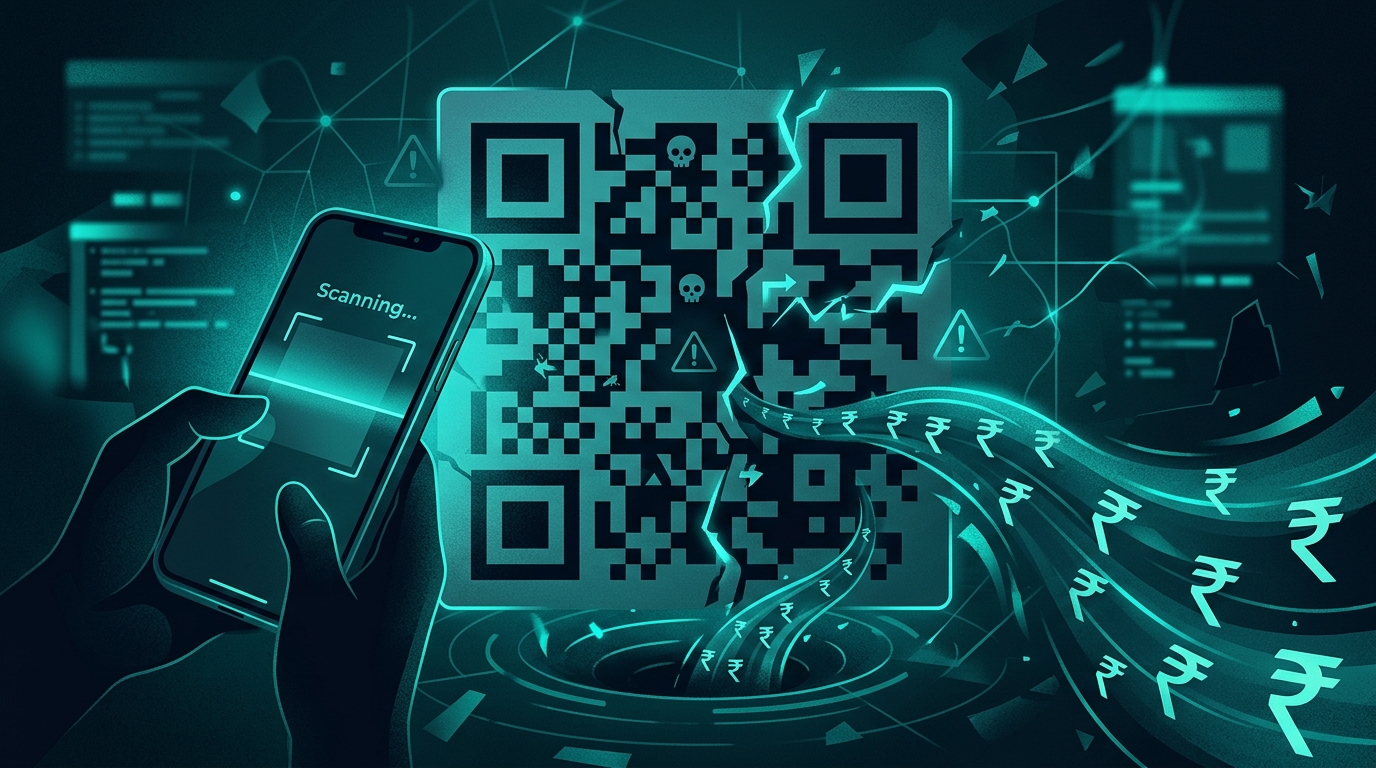
India processed over 16 billion UPI transactions in a single month in early 2026. QR codes are everywhere: street vendors, auto-rickshaws, restaurants, petrol pumps, parking lots, even temple donation boxes. That ubiquity is exactly what scammers exploit. When scanning a code feels as routine as tapping your phone to unlock it, you stop questioning what you are actually authorizing.
Police reports from Bangalore, Pune, Hyderabad, and Delhi NCR show a sharp rise in QR code fraud complaints through the first half of 2026. The methods vary, but they share one trait: the victim believes they are making a routine payment or receiving money, and the QR code redirects the transaction to a scammer's account instead.
The rule that stops most QR scams: A QR code is always used to SEND money, never to receive it. If anyone tells you to scan a QR code to get a refund, collect a prize, or receive a payment, that is a scam. There is no exception.
1. Someone pasted a new code over the original
The simplest version of this scam requires nothing more than a printed sticker. A scammer prints their own UPI QR code and sticks it over the legitimate code at a shop, restaurant, or parking meter. When you scan it, your payment goes to the scammer instead of the merchant. The shop owner has no idea until they check their account at the end of the day and find the payments missing. Before scanning any physical QR code, look at it closely. Does it sit flush with the surface, or does it look like a sticker placed on top? Is the paper different from the rest of the display? If the code looks tampered with, pay the merchant directly through their UPI ID or phone number instead.
2. The code asks you to "receive" money
This is the most common QR scam on WhatsApp and OLX. A buyer contacts you about a product you listed for sale and says they will send an advance payment. They share a QR code and ask you to scan it to "receive" the money. When you scan it, your UPI app opens a payment screen where you are sending money, not receiving it. In the rush of a transaction, many people authorize without reading the screen carefully. UPI does not work this way. You never need to scan a code or enter your PIN to receive money. If someone insists you must scan something to get paid, close the conversation.
3. The QR code arrived in a message you did not expect
A WhatsApp message from an unknown number asks you to scan a QR code to verify your bank account, update your KYC, claim an electricity bill refund, or collect a government subsidy. The message may include a logo from your bank, an official-looking reference number, or a deadline to create urgency. No bank, utility company, or government agency sends QR codes through WhatsApp or SMS for account verification or refunds. If a QR code arrives unsolicited in any messaging app, do not scan it. Call your bank or service provider directly using the number on their official website.
4. The parking attendant or delivery agent insists on their code
You park your car and a person in a reflective vest hands you a laminated QR code to pay the "parking fee." At home, a delivery agent shows you a QR code on their phone to collect a "cash on delivery" balance. In both cases, the person looks legitimate. But the code sends your money to a personal account, not to any registered parking operator or logistics company. Legitimate parking systems use codes fixed to signboards or meters, not laminated cards carried by individuals. Delivery payments go through the app or its official payment system. When in doubt, pay cash or use the official app.
5. Your UPI app shows a name you do not recognize
Every UPI app shows you the payee's name before you confirm a transaction. This is your last checkpoint. If you are paying a restaurant called "Sagar Deluxe" but your app shows "Rahul Sharma" or some random personal name, stop. Do not enter your PIN. The code is sending your money to someone other than the merchant. This check takes two seconds and catches most overlay scams. Make it a habit to read the payee name on every single UPI transaction before you authorize it.
6. The amount is pre-filled and higher than expected
Some QR codes are generated with a pre-filled amount. You scan what you think is a Rs 100 parking code, but your UPI app shows Rs 10,000. Scammers count on you tapping through quickly without noticing. Always check the amount field after scanning. If the QR code pre-fills an amount you did not agree to, cancel immediately. Better yet, manually type the amount yourself after scanning a merchant code, so you control exactly what leaves your account.
What to do if you have already been scammed
If you authorized a payment to a fraudulent QR code, act within minutes. Open your UPI app and file a dispute on the specific transaction. Call your bank's fraud helpline and request a hold on the recipient account. File a complaint at the national cybercrime helpline (1930) and register a detailed report at cybercrime.gov.in with screenshots of the QR code, the transaction, and any messages from the scammer. The faster you report, the higher the chance that the receiving bank can freeze the funds before they are withdrawn.
The two-second habit that protects you
Every QR code scam relies on speed. The scammer wants you to scan and authorize before you think. The defence is equally simple: pause for two seconds after scanning. Read the payee name. Read the amount. If either looks wrong, cancel. That pause costs you nothing and can save you lakhs. Share this with your parents, your household help, your colleagues at the chai counter. QR codes are not going away. The habit of checking before confirming is the only thing standing between a routine payment and an empty account.
How FakeOut helps
Suspicious QR codes often arrive inside screenshots, forwarded images, or doctored payment confirmations. FakeOut helps you verify whether that screenshot of a "payment received" notification is genuine or fabricated. If someone sends you a QR code image or a payment proof that feels off, run it through FakeOut before you act on it.