That Screen Sharing Request From Bank Support Is a Trap: 7 Checks Before You Install Anything
A caller says there is a problem with your account, a failed refund, a blocked card, or a pending KYC. To fix it, they ask you to install one small app and share your screen for a minute. The moment you do, a stranger can watch every tap, every OTP, and every PIN you enter. By the time the call ends, your money may already be gone.
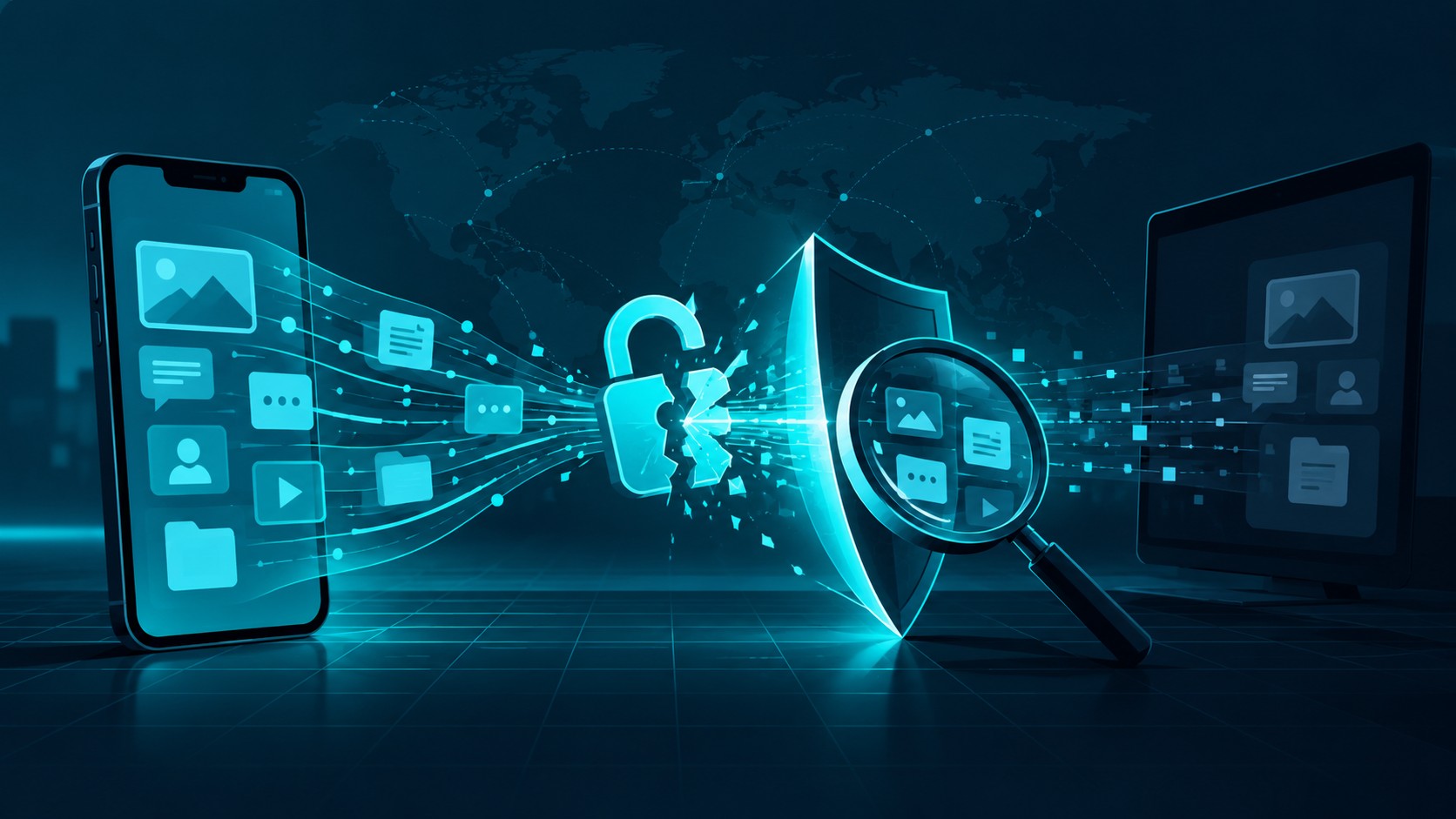
Remote access fraud is one of the fastest growing scams in India. Criminals persuade people to install screen sharing apps like AnyDesk, TeamViewer, or QuickSupport under the excuse of fixing a banking or payment issue. Once the app is running and you grant permission, the scammer sees your screen live. They watch OTP pop-ups the instant they arrive, read your UPI PIN as you type it, and copy your net banking login and SMS inbox. The Reserve Bank of India warned banks about this exact AnyDesk tactic years ago, and it has only become more common as more of us bank from our phones.
What makes this scam dangerous is that you do the damage yourself. No link needs to be hacked and no password needs to be guessed. You hand over the keys because a convincing voice told you it was the only way to help. Here are seven checks before you ever install an app or share your screen on a call.
The simple rule: No real bank, wallet, or company will ever ask you to install a screen sharing or remote control app to resolve a problem. The request itself is the scam. The correct answer is always no, and then hang up.
1. They ask you to install an app named AnyDesk, TeamViewer, or similar
Listen for the app name. AnyDesk, TeamViewer, QuickSupport, RustDesk, and anything described as a support or remote tool are all red flags in this context. These are legitimate apps used by IT teams, but a bank calling a customer has no honest reason to make you install one. If a caller spells out an app name and walks you to the Play Store, stop right there. The help desk of any real institution works through its own secure app or website, never through a third-party screen viewer.
2. The reason is urgent and involves your money
The story is built to rush you. A refund is stuck and will expire, your card is blocked, your KYC lapses today, or a wrong transaction needs reversing before it clears. Urgency is the tool that stops you from pausing to think. A genuine bank issue does not vanish in ten minutes, and no real refund requires you to install software to receive it. When speed and money arrive together on an unexpected call, treat it as fraud by default.
3. The call came to you out of nowhere
Almost every version of this scam starts with a call or message you did not expect, often from a number that looks local or even spoofed to resemble a bank line. You did not raise a ticket, yet support is calling you. That reversal is the tell. If you think there might be a real problem, hang up and call back on the number printed on your bank card or the official app. Never trust a number that called you, and never continue a session the caller set up.
4. They want you to enter a PIN or read an OTP while connected
Once the screen is shared, the scammer guides you to open your UPI or banking app and enter your PIN, or to read out a code that just arrived. They may claim the PIN is only to verify your identity or to cancel a charge. Entering a UPI PIN never receives money, it only sends money, so any request to enter it during a support call is a theft in progress. Your OTP and PIN are yours alone. The instant someone asks you to type or speak them, end the call.
5. A black or dim screen appears while the app runs
Some remote tools can dim or black out your screen so you cannot see what is being done. If your display suddenly goes dark, freezes, or you see taps and movements you did not make, a stranger is in control. Force your phone to power off by holding the power button, then uninstall the app before turning data back on. Do not wait to see how it plays out. Every second the connection stays open is a second they can empty an account.
6. The caller stays on the line and manages every step
Scammers keep you talking so you never get a moment to check with family or search the app name. They narrate each action, discourage you from hanging up, and get tense if you hesitate. Real support is happy for you to call back, check with your branch, or take your time. A caller who cannot let you off the phone is protecting the scam, not helping you.
7. They promise to repay or deposit money to prove good faith
A clever twist is a small deposit that seems to arrive in your account, offered as proof the caller is genuine. In truth they are moving your own money between your accounts, or showing a faked screen, to build trust before the real transfer out. Any live demonstration of money moving during a support call is theatre. Do not treat a sudden credit as proof of anything.
What to do if you already shared your screen
Act within minutes. Turn off your internet or put the phone in airplane mode to cut the connection, then uninstall the remote app. Call your bank on its official number to block your cards, freeze UPI, and stop net banking. Change your banking and UPI passwords from a different, clean device. Report the fraud at the cyber helpline 1930 and at cybercrime.gov.in as soon as you can, since fast reporting gives the best chance of freezing a transfer. Save the caller number, the app name, and every message as evidence.
Protect the people most at risk
Parents and older relatives are the main targets, because the calls sound official and the panic feels real. Tell your family the one rule that covers all of this: no bank or company ever needs to see your screen, and nobody should be guiding you to install an app over a phone call. Put the real customer care numbers in their contacts so they never search for one in a hurry. A short conversation now can save an entire savings account later.
How FakeOut helps
Many of these calls arrive dressed up with fake bank messages, forged refund screenshots, and official looking notices sent on WhatsApp to make the story believable. FakeOut helps you check whether a screenshot or image that lands in your chat has been generated or manipulated before you act on it. When a message pushes you to install something or share your screen, slow down and verify the proof first, because the panic is the point.