That SIM Upgrade Message Could Be a Bank Scam: 7 Checks Before You Act
A message says your SIM will stop working. Your KYC is pending. Your number must be upgraded to eSIM. The sender sounds like a telecom company, but the real target may be your bank account.
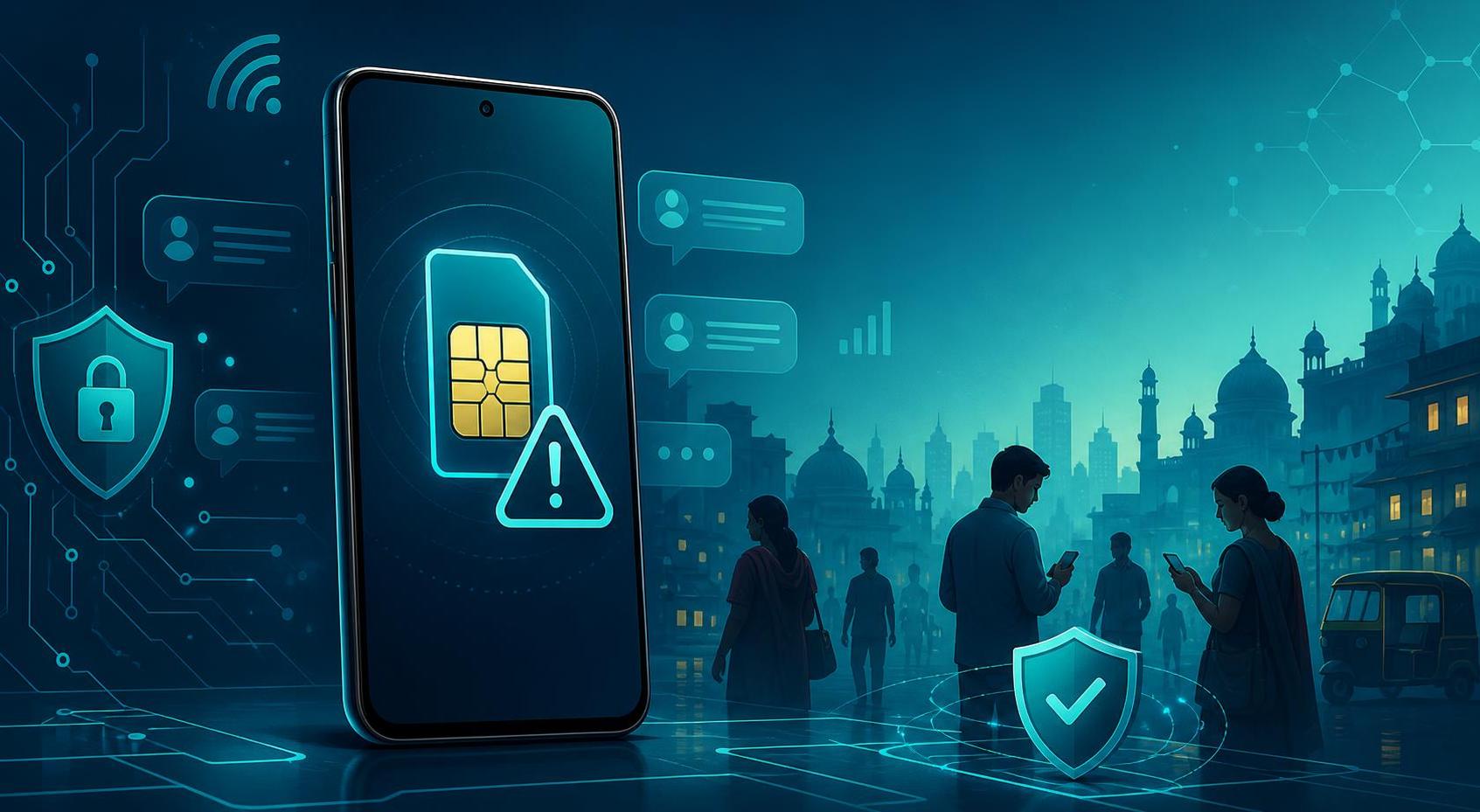
SIM swap scams are dangerous because your phone number is still treated like a security key. Banks, wallets, email accounts, shopping apps, and government services often send login codes or payment alerts by SMS. If a scammer takes control of your number, they may intercept OTPs, reset passwords, and approve transactions before you understand what happened.
The scam usually starts with a simple hook on WhatsApp, SMS, Telegram, or a phone call. You may be told that 5G service needs activation, your SIM KYC has expired, your eSIM request is pending, your number will be blocked, or your account has suspicious activity. The message asks you to tap a link, call a "support" number, install an app, scan a QR code, or read out an OTP.
The rule that blocks most SIM scams: Never start a SIM, eSIM, KYC, or number-porting action from a message link or caller. Open the official telecom app, visit the official website yourself, or go to a verified store.
1. The message threatens a sudden block
Scammers use deadlines because losing a mobile number feels urgent. Watch for phrases like final warning, SIM blocked today, KYC expired, incoming calls stopped, or number suspended. Real telecom companies may send reminders, but they do not need you to panic on WhatsApp and share private codes with a stranger.
2. It asks for an OTP before anything is verified
An OTP can approve a login, SIM change, eSIM activation, number port, wallet reset, or banking action. Do not read an OTP aloud to anyone who called you. Do not paste it into a link from a message. If the code says it is for SIM replacement, eSIM activation, account login, password reset, or payment approval, stop immediately.
3. The sender moves you away from the official app
A common trick is to make you leave the official telecom app and continue on WhatsApp, Telegram, a short link, or a fake support website. The page may copy the telecom brand and ask for your mobile number, Aadhaar, PAN, date of birth, email, card details, or UPI information. Logos are easy to copy. The actual domain and the official app matter more.
4. It mentions eSIM QR codes casually
eSIM activation can move a number from one device to another. That is useful when done through a verified telecom channel, but risky when a stranger guides the process. Do not scan an eSIM QR code sent over chat. Do not approve an eSIM transfer because someone claims they are updating your plan. If you did not request eSIM yourself, treat the message as suspicious.
5. Your phone suddenly loses network
No signal can happen for normal reasons, but in a SIM swap it may be the first visible warning. If your phone shows no service while others nearby have network, and you recently received SIM, KYC, eSIM, or porting messages, act fast. Use Wi-Fi or another phone to contact your telecom provider and bank. Ask whether a SIM replacement, eSIM activation, or porting request was made.
6. It asks you to install a support app
A telecom agent does not need remote access to fix KYC or activate service. AnyDesk, screen-sharing tools, unknown APK files, SMS-forwarding apps, and "verification" apps can expose messages, banking apps, and payment prompts. If a caller asks you to install anything outside the official app store or share your screen, end the call.
7. The proof is only a screenshot or forwarded notice
Fake telecom notices can look polished. A forwarded screenshot may include a copied logo, a customer care number, a fake employee ID, and a deadline. Do not trust a screenshot as proof that your SIM will be blocked. Check the status inside the official telecom app or call the customer care number from the company website, not the message.
What to do if you shared an OTP or lost network
Call your telecom provider immediately from another number and ask them to block unauthorized SIM replacement, eSIM activation, or porting. Contact your bank and wallet providers, report possible account takeover, and temporarily freeze risky activity if needed. Change passwords for your email, banking, wallet, and important apps from a secure device. In India, report online financial fraud through 1930 and cybercrime.gov.in as soon as possible.
The family rule for SIM messages
Make one simple rule for the family group: no one shares OTPs, scans eSIM QR codes, installs support apps, or calls numbers from SIM-related messages. If a parent or grandparent receives a SIM block warning, they should call a trusted family member first and then use the official telecom app or store.
How FakeOut helps
SIM scams often arrive with images: fake KYC notices, edited support chats, copied logos, warning screenshots, and payment pages. FakeOut helps you check whether an image or screenshot may have been manipulated before you trust it, forward it, or act on it.