That Wedding Invitation On WhatsApp Could Be Malware: 6 Checks Before You Tap
A relative sends a sweet wedding invite. A file called "Sharma_Wedding_Invitation.apk" sits in the chat. You tap it out of politeness. Within hours, OTPs are flying out of your phone and money is leaving your account. Welcome to one of the most successful Indian scams of the year.
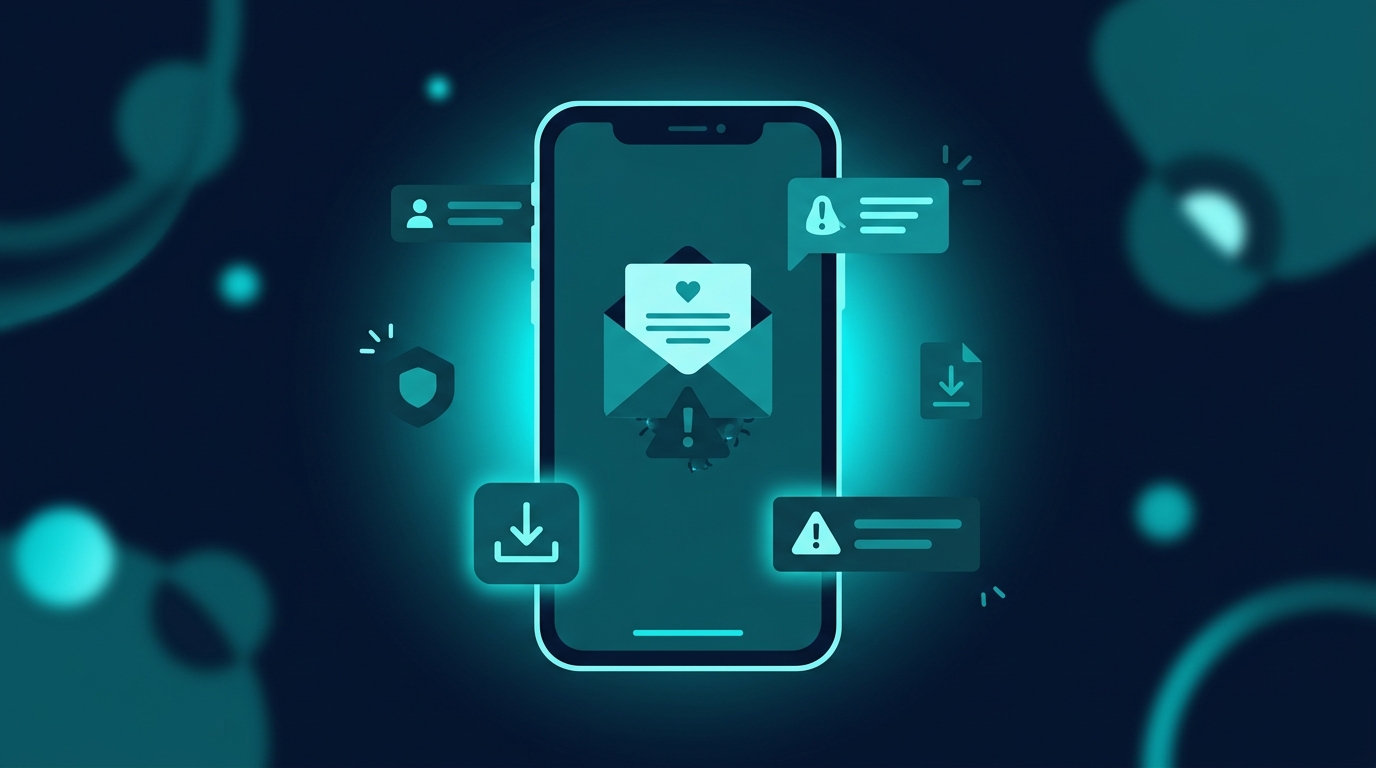
The wedding invitation scam is brutally simple. An attacker sends a file that looks like a digital invite, usually as a .apk file, sometimes hidden inside a .pdf wrapper or a zipped folder. The moment a victim installs it on Android, the app quietly requests permissions for SMS, contacts, accessibility, and notifications. From that point, the phone is no longer fully yours. The malware reads incoming OTPs, harvests contact lists to spread further, and in many cases sets up unauthorised UPI mandates or net-banking transactions in the background.
Police cyber cells across India, including in Maharashtra, Karnataka, Himachal Pradesh, and Delhi, have flagged this scam multiple times since late 2024, with fresh cases reported every wedding season. Losses range from a few thousand rupees to several lakhs per victim. The reason the scam keeps working is not technical sophistication. It is social trust. Indian wedding season floods family WhatsApp groups with real invitations, and one fake file slips in unnoticed.
The rule to remember: a real wedding invitation is a JPG, a PDF, or a link to a card. It is never an app you have to install. If a file ends in .apk, do not open it, no matter how warmly the message is written.
1. Check the file extension before you tap
WhatsApp shows the filename right above the download button. Look at it. A legitimate invite ends in .jpg, .jpeg, .png, .pdf, or arrives as a link. A file ending in .apk is an Android app installer. No genuine wedding card vendor in India ships invitations as installable apps. Attackers also try .apk.pdf or names with extra spaces and dots to confuse the eye. If you see the letters apk anywhere in the filename, stop.
2. Confirm the wedding through any channel that is not WhatsApp
Before opening anything, call the relative the message claims to come from. Use the number already saved in your contacts, not the number that sent the file. If the WhatsApp number is unknown or has a foreign country code, that alone is a strong red flag. Many of these messages come from numbers starting with country codes that have nothing to do with the supposed sender. A quick voice call settles the question in thirty seconds and costs nothing.
3. Never enable "install from unknown sources" for a chat file
When you tap an APK, Android will warn you and ask for permission to install from outside the Play Store. Treat that prompt as a hard stop. If a relative or friend is genuinely sending you software, they will tell you about it on a call first. A wedding invite never needs that permission. The setting exists for developers and power users, not for opening a card from a cousin.
4. Watch the permissions any app asks for
If you have already installed something suspicious, open Settings, go to Apps, find the new install, and look at its permissions. A wedding invite app, if such a thing even made sense, has no business reading your SMS, your contacts, your call logs, or your accessibility services. The accessibility permission is the most dangerous one. It lets an app see what is on your screen and tap buttons on your behalf, which is how money moves out without you ever approving a transaction directly. Revoke everything and uninstall.
5. Treat zipped folders and double-extension files the same way
Scammers have started wrapping the malicious APK inside a zip file or naming it something like "Invitation_Card.pdf.apk" so the .pdf part is visible and the .apk hides at the end. Some messages even include a clean-looking JPG preview followed by a second file that is the actual payload. If a single message brings two attachments and one of them is anything other than an image or a PDF, do not open it. When in doubt, ask the sender to share a normal photo of the card instead.
6. If you tapped it, act fast
If you have already installed the file, do not waste time blaming yourself. Put the phone in airplane mode immediately to stop OTPs and background data. Uninstall the suspicious app. Reboot in safe mode if anything refuses to uninstall. Then change passwords for net banking, UPI, email, and WhatsApp from a different device. Call your bank and freeze cards or set a temporary limit. Report the incident on the national cybercrime helpline at 1930 and file a complaint at cybercrime.gov.in. The earlier you report, the higher the chance of recovering money under the RBI's reversal window.
A note for family WhatsApp groups
This scam works because Indian wedding season is loud and warm. Genuine invites pile up from cousins, neighbours, colleagues, and people you have not seen in years. The instinct is to open everything and respond politely. The attackers count on that. The simplest protection you can give the older people in your family is one sentence: do not install any file that comes through WhatsApp, ever. A photo of the card is enough. A PDF is enough. Anything that asks to be installed is not a card.
It also helps to gently push back when someone in a group asks you to forward an "invite app" or a "wedding RSVP application". There is no such legitimate category in India. If you spot a suspicious file in a family or society group, point it out before five aunties click on it. A polite warning beats a recovery effort.
Why this matters for FakeOut
Most of what hurts Indian users on WhatsApp is not exotic AI. It is a familiar emotional setting, a file you trust, and one tap you regret. Wedding invitations, refund messages, KYC updates, electricity bill alerts, parcel delivery slips. The wrapping changes. The trap is the same.
FakeOut is being built for that pause before you tap. Drop in the file name, the message, the link, or the suspicious screenshot, and get a second opinion in seconds. The goal is simple: make a sanity check faster than a forward.